.png?fit=max&auto=format&n=hWBn50UiAZnOwoHI&q=85&s=6b3d6f29082e9ecfe13a87ffa36688d4)
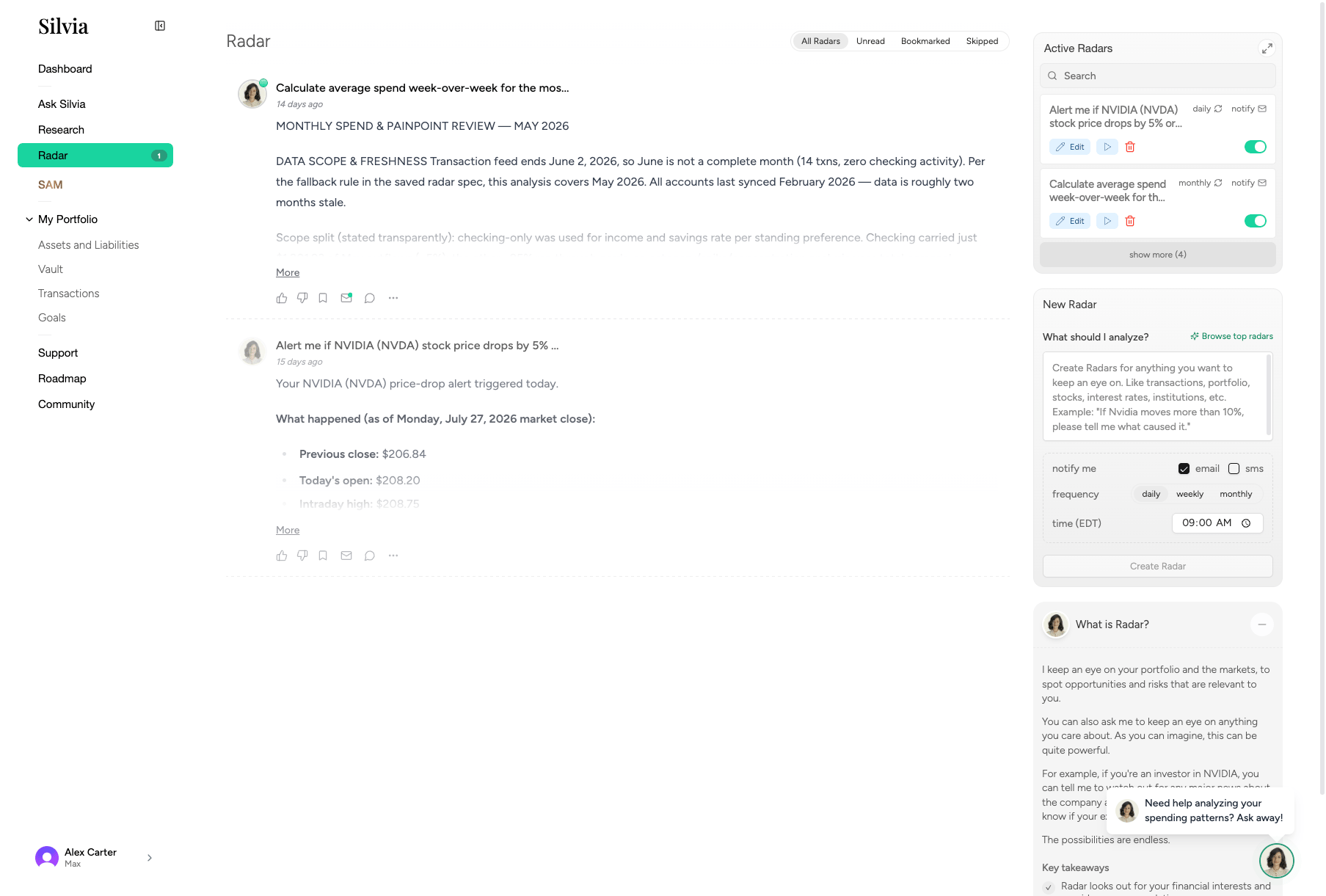
What Radar tracks
- Earnings for companies you hold
- Breaking news relevant to your positions
- Portfolio events like large price moves or account changes
- Subscriptions and bills that increase unexpectedly
- Cash flow anomalies
Notification badge
The Radar sidebar item shows a badge when there are new items. Click it to open the feed.Reading your Radar feed
1
Open Radar
Click Radar in the sidebar.
2
Scan the feed
Items are ordered by relevance and recency, grouped by type.
3
Drill in
Click any item to see the full source, related holdings, and suggested actions.
Managing Radar alerts
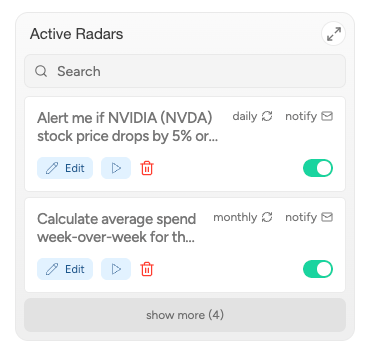
You can control what Radar watches from the right-hand Schedules panel: earnings, news categories, price triggers, and more.