
.png?fit=max&auto=format&n=hWBn50UiAZnOwoHI&q=85&s=6b3d6f29082e9ecfe13a87ffa36688d4)
Plans
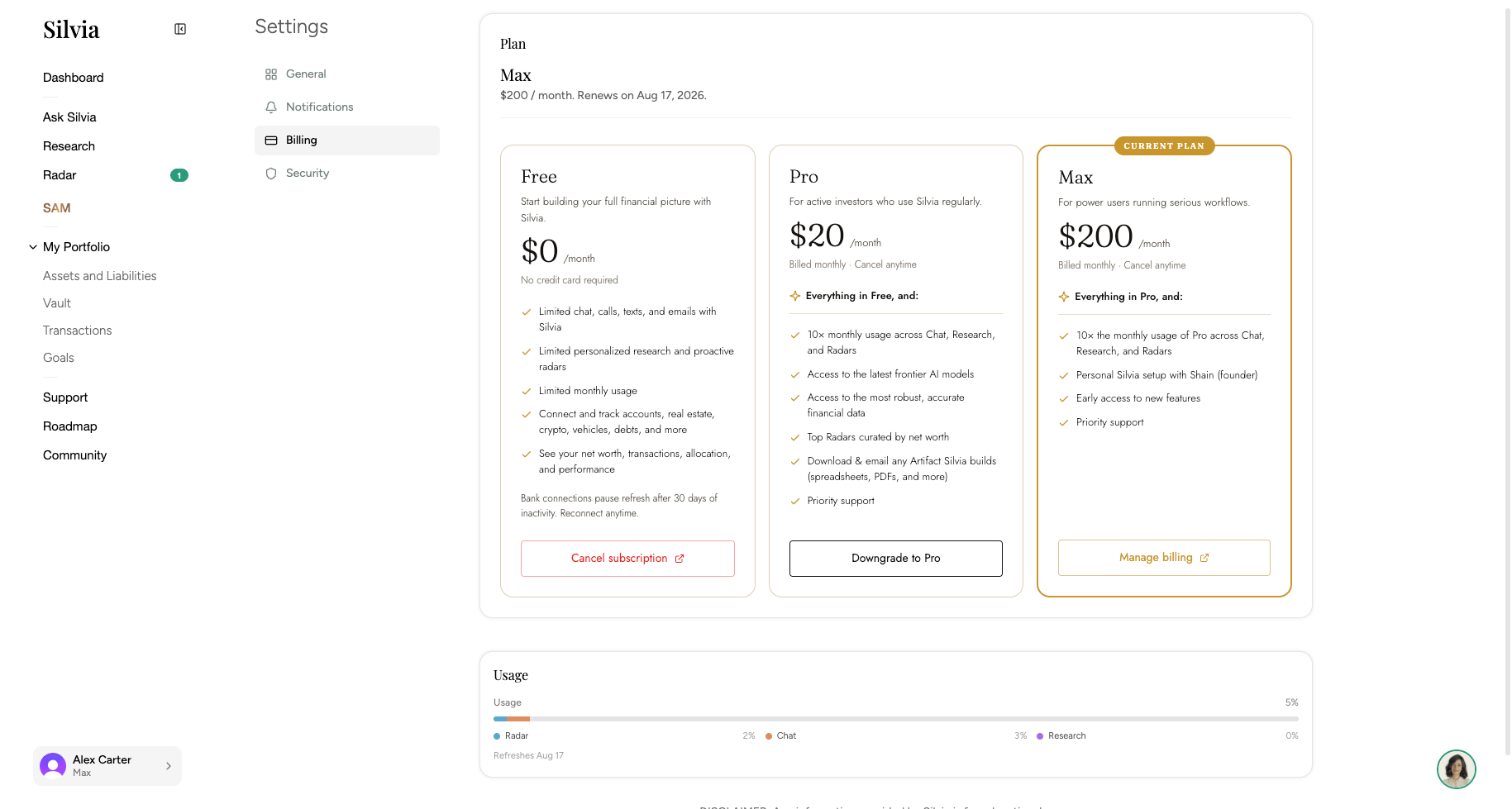
Silvia has three tiers:Free
Get started with core net worth tracking and limited AI usage.
Pro
Higher AI limits across Ask Silvia, Research, and Radar.
Max
The highest AI limits and full access to every feature.
What you see on the page
- Current plan: Your tier, price, and next renewal or cancel date.
- Tier picker: Compare Free, Pro, and Max side by side. Each tier shows a context-aware button: Current, Upgrade, Downgrade, or Cancel.
- Usage: Per-feature usage bars for Radar, Ask Silvia (chat), and Research, plus the date your usage refreshes.
- Annual switch: If you’re on Pro monthly, you’ll see an option to switch to annual and save.
Common actions
1
Upgrade or downgrade
Click the button on the tier you want. You’ll be taken to Stripe checkout for upgrades, or a confirmation dialog for downgrades.
2
Switch to annual billing
On the Pro plan, click Switch to annual to move from monthly to yearly billing.
3
Update payment method or view invoices
Click Manage subscription to open the Stripe billing portal, where you can update your card, download invoices, and view billing history.
4
Cancel
Choose Cancel on your current tier. Your plan stays active until the end of the current billing period.
Looking for external recurring charges Silvia detected on your linked accounts (like Netflix or Spotify)? That’s tracked separately inside your transactions and portfolio, not here.