
.png?fit=max&auto=format&n=hWBn50UiAZnOwoHI&q=85&s=6b3d6f29082e9ecfe13a87ffa36688d4)
When to use Research vs. Ask Silvia
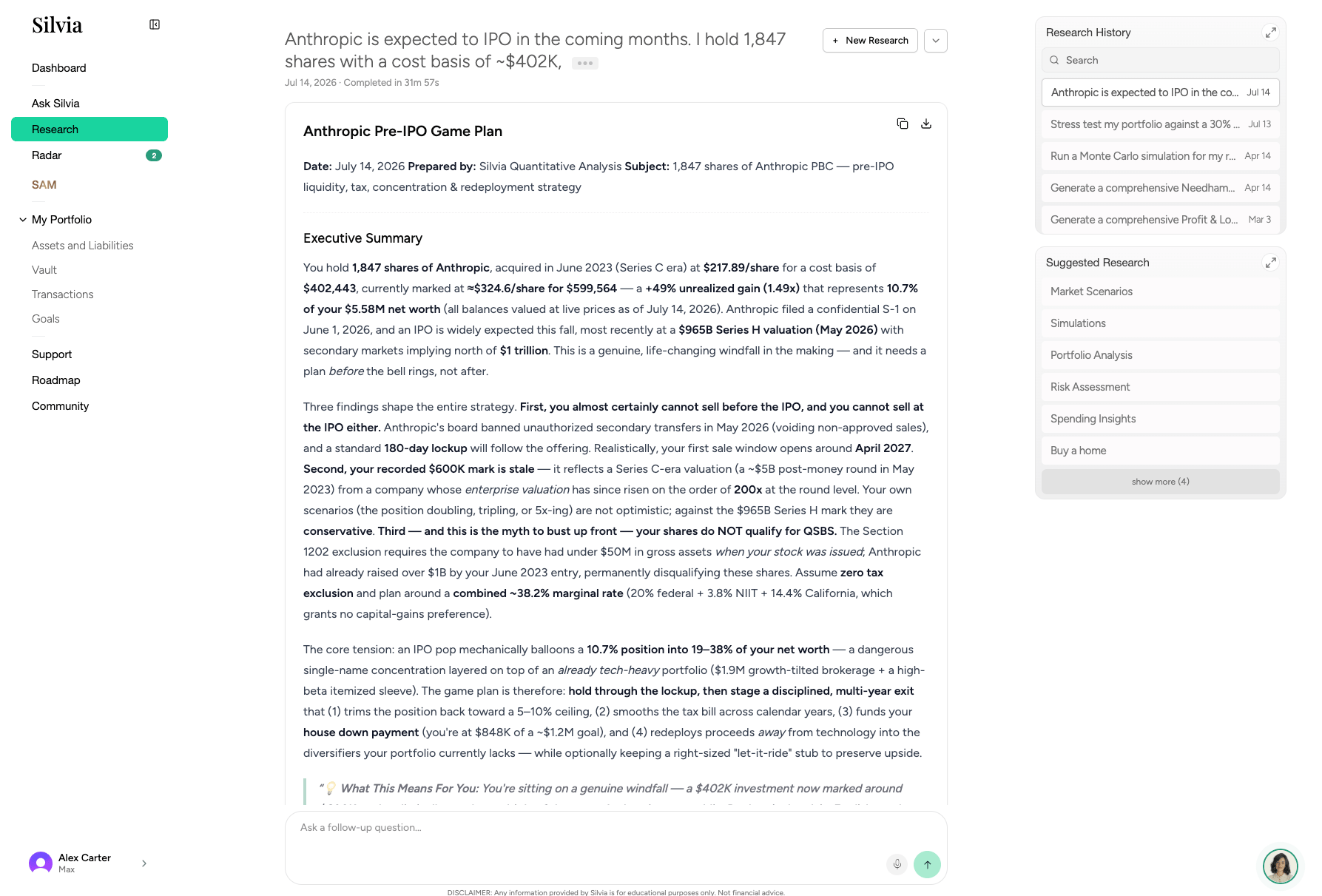
Running a research session
1
Open Research
Click Research in the sidebar.
2
Enter your topic
Type a specific question or topic. More specific prompts produce better reports.
3
Wait for the report
Silvia searches, reads, and synthesizes sources. Reports typically take 2 to 5 minutes.
4
Review and act
Reports include a summary, key findings, and cited sources. Save or share the report link.