
.png?fit=max&auto=format&n=hWBn50UiAZnOwoHI&q=85&s=6b3d6f29082e9ecfe13a87ffa36688d4)
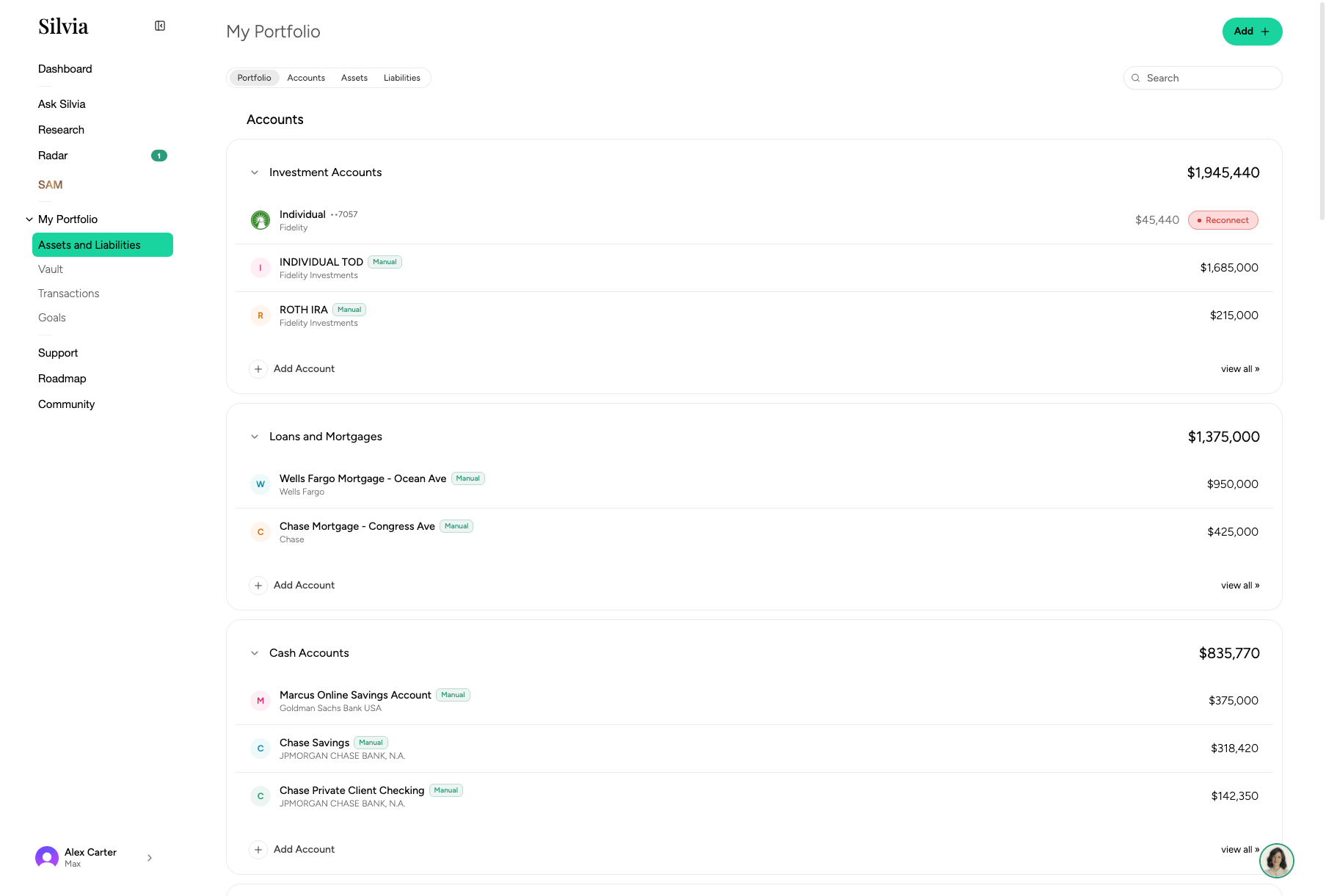
Layout
- Header card: Total assets, total liabilities, and net worth with a historical chart.
- Sections: Grouped by asset type (Public Investments, Crypto, Real Estate, Vehicles, Collectibles, Precious Metals, Private Investments, Other Assets, Liabilities).
- Accounts: Each account row shows balance, day change, and institution.
Adding an account or asset
1
Click Add
Use the Add button in the toolbar or in an empty section.
2
Choose type
Select Connect via Plaid (banks, cards, brokerages), SnapTrade (brokerages Plaid doesn’t cover), or Add manually (for real estate, vehicles, collectibles, etc.).
3
Follow the flow
Complete the connection or fill in the manual form.