
.png?fit=max&auto=format&n=hWBn50UiAZnOwoHI&q=85&s=6b3d6f29082e9ecfe13a87ffa36688d4)
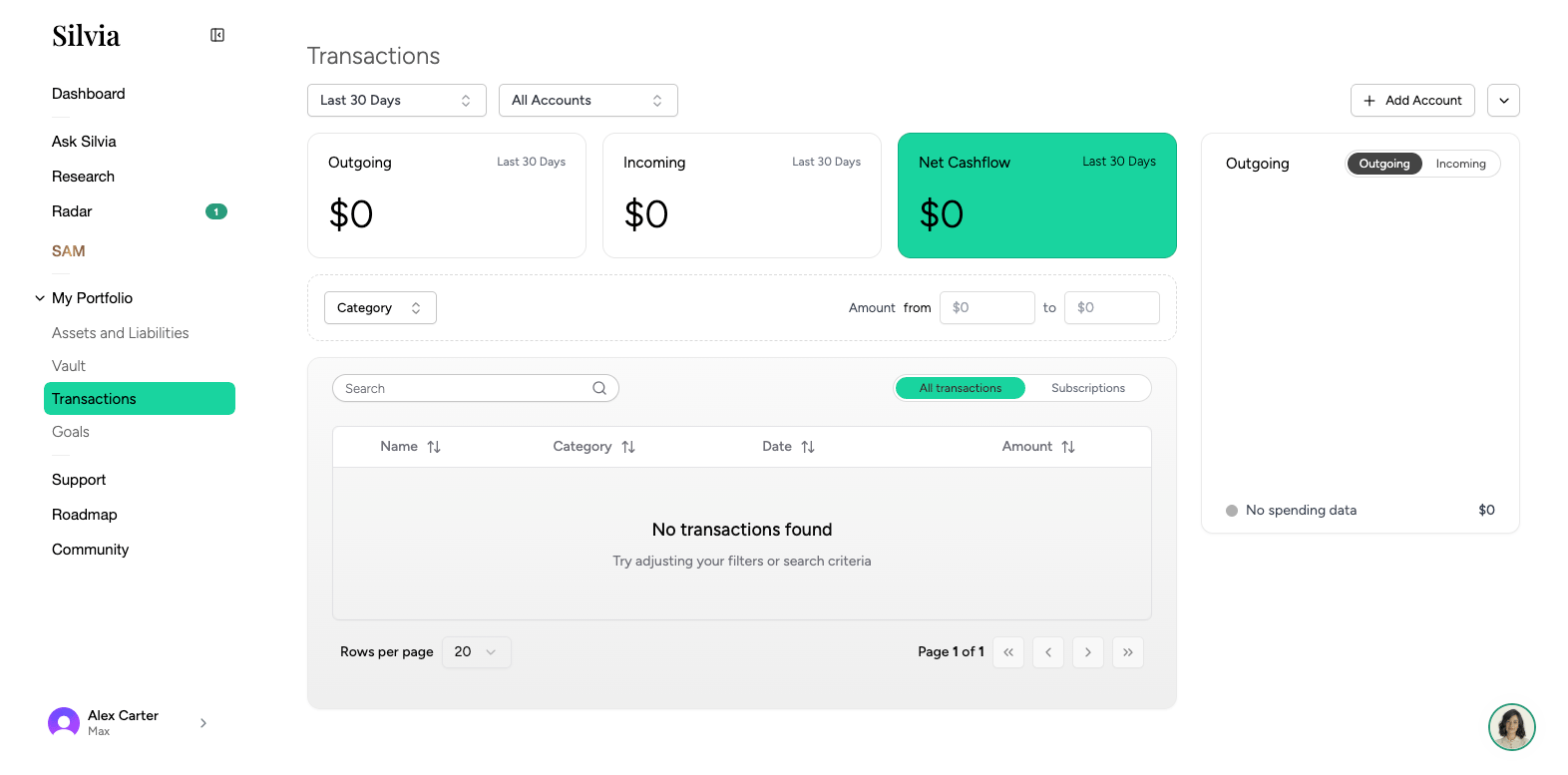
Layout
- Date range picker: Choose the period you want to view.
- Filters: Filter by account, category, amount, or search text.
- Table: Date, description, amount, category, account, and tags.
Categorization
Silvia auto-categorizes transactions using merchant data and AI. You can override any category:1
Click a transaction
The detail panel opens on the right.
2
Change the category
Pick from the category dropdown, or create a new one.
3
Apply to similar
Optionally apply the change to all past and future transactions from the same merchant.
Adding a manual transaction
Click Add transaction to record cash spending or income that isn’t in a linked account.Uploading a statement
For accounts you can’t connect, upload a PDF or CSV statement:1
Click Import
Choose Upload statement from the toolbar.
2
Pick the account
Assign the statement to an existing manual account.
3
Review parsed rows
Silvia extracts the transactions. Confirm or edit before importing.