

Connect QuickBooks
1
Choose Business
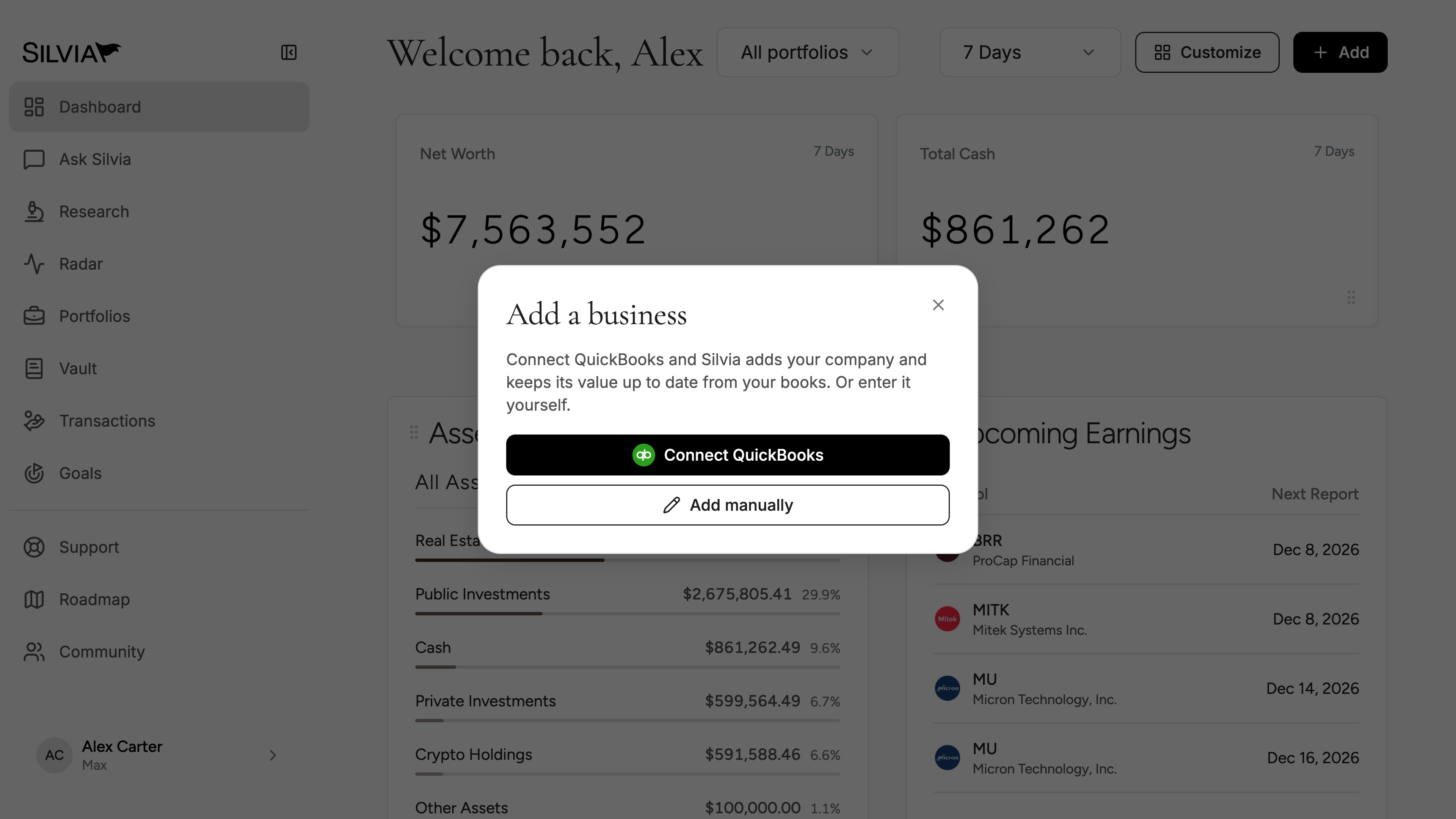
From the Dashboard or Portfolios, click Add, choose Add asset, then select Business.
2
Connect your company
Click Connect QuickBooks. Sign in to Intuit, select the company you want to connect, and review the permissions before approving access.
3
Wait for the first sync
Intuit returns you to Silvia. The company appears as a business after its first sync. Its financial reports may take a little longer to appear.
Review your business
Open the business from Portfolios. Once its reports have synced, you’ll see four tabs:Check the value and ownership
A newly connected business starts at 100% ownership. Change this if you own only part of the company. For books kept in USD, Silvia uses the balance sheet’s equity as the business value and updates it with each daily sync. Book equity is an accounting figure; it may differ from what you could sell the business for. You can enter your own value instead. Silvia keeps that value until you change it and shows a suggestion when the books change.If the books use another currency, or Silvia cannot read their equity, the business starts with a value of zero. Enter its value manually before relying on its contribution to net worth.
Avoid counting assets twice
If you’ve already added the business’s bank accounts, credit cards, loans, or properties to Silvia, link them to the business in Value & ownership. Silvia adjusts the business’s contribution to net worth to account for those items already counted separately.Removing a QuickBooks-connected business also disconnects its company. Disconnecting the company removes the business from Silvia. You can connect it again later.