> ## Documentation Index
> Fetch the complete documentation index at: https://docs.cfosilvia.com/llms.txt
> Use this file to discover all available pages before exploring further.
# Transactions
> Every transaction from every connected account, categorized and searchable.
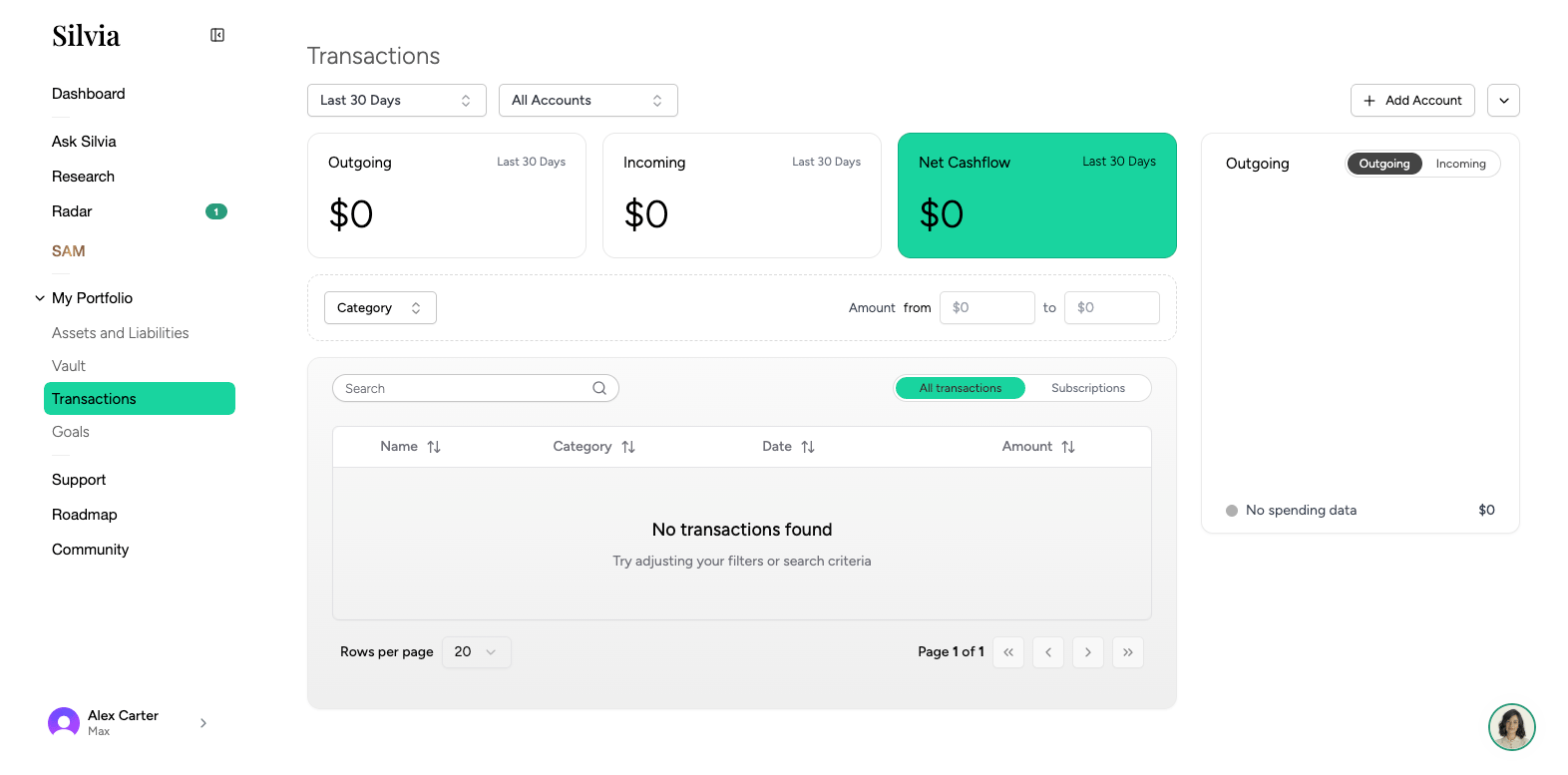
The **Transactions** page shows every transaction from your connected bank and credit card accounts, plus manual entries.
 ## Layout
* **Date range picker**: Choose the period you want to view.
* **Filters**: Filter by account, category, amount, or search text.
* **Table**: Date, description, amount, category, account, and tags.
## Categorization
Silvia auto-categorizes transactions using merchant data and AI. You can override any category:
The detail panel opens on the right.
Pick from the category dropdown, or create a new one.
Optionally apply the change to all past and future transactions from the same merchant.
## Adding a manual transaction
Click **Add transaction** to record cash spending or income that isn't in a linked account.
## Uploading a statement
For accounts you can't connect, upload a PDF or CSV statement:
Choose **Upload statement** from the toolbar.
Assign the statement to an existing manual account.
Silvia extracts the transactions. Confirm or edit before importing.
## Exporting
Use the **Export** button to download the filtered view as CSV.
This documentation is built and hosted on [Mintlify](https://mintlify.com), a developer documentation platform.
## Layout
* **Date range picker**: Choose the period you want to view.
* **Filters**: Filter by account, category, amount, or search text.
* **Table**: Date, description, amount, category, account, and tags.
## Categorization
Silvia auto-categorizes transactions using merchant data and AI. You can override any category:
The detail panel opens on the right.
Pick from the category dropdown, or create a new one.
Optionally apply the change to all past and future transactions from the same merchant.
## Adding a manual transaction
Click **Add transaction** to record cash spending or income that isn't in a linked account.
## Uploading a statement
For accounts you can't connect, upload a PDF or CSV statement:
Choose **Upload statement** from the toolbar.
Assign the statement to an existing manual account.
Silvia extracts the transactions. Confirm or edit before importing.
## Exporting
Use the **Export** button to download the filtered view as CSV.
This documentation is built and hosted on [Mintlify](https://mintlify.com), a developer documentation platform.