> ## Documentation Index
> Fetch the complete documentation index at: https://docs.cfosilvia.com/llms.txt
> Use this file to discover all available pages before exploring further.
# Settings
> Configure Silvia to fit how you work.
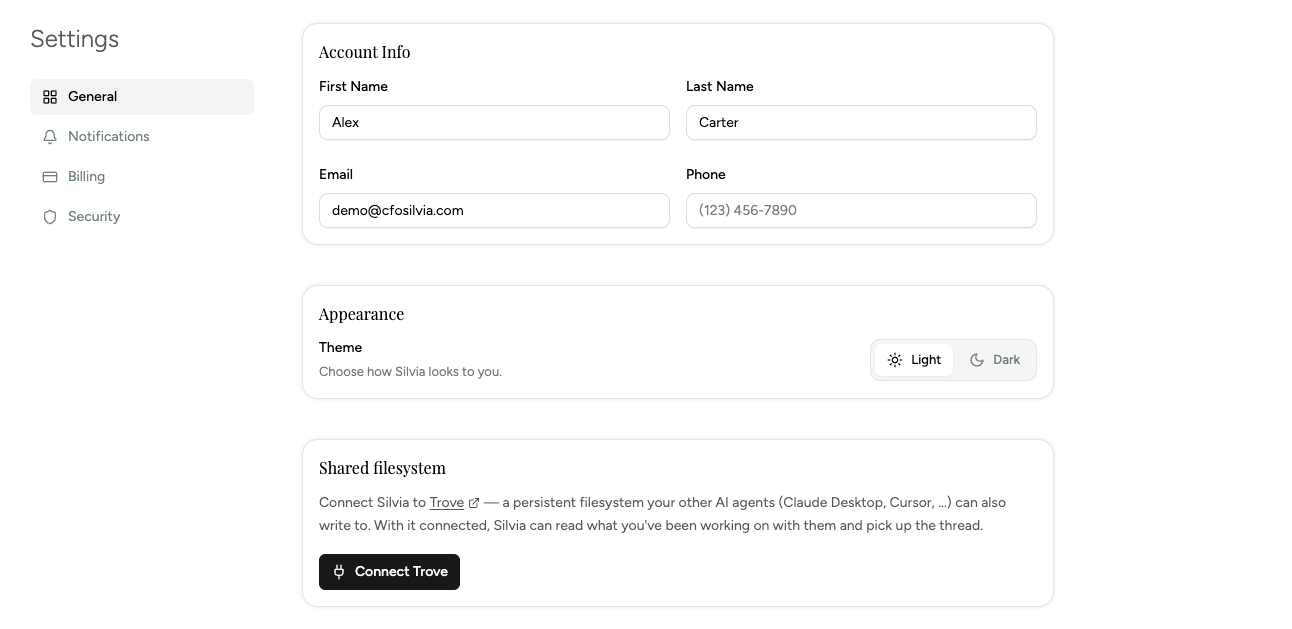
**Settings** covers app-level configuration.
 ## Sections
### Connected accounts
See every connection (Plaid, Coinbase, SnapTrade, Gmail) with sync status. Reconnect or disconnect from here.
### Notifications
Control email and SMS alerts for Radar events, weekly summaries, and billing.
### Categories
Create, rename, and reorder transaction categories. Merge duplicates.
### Data and privacy
* Export your data (CSV)
* Delete your account
* Review data warnings (missing or conflicting data from providers)
### Appearance
Light, dark, or system theme.
## Referrals
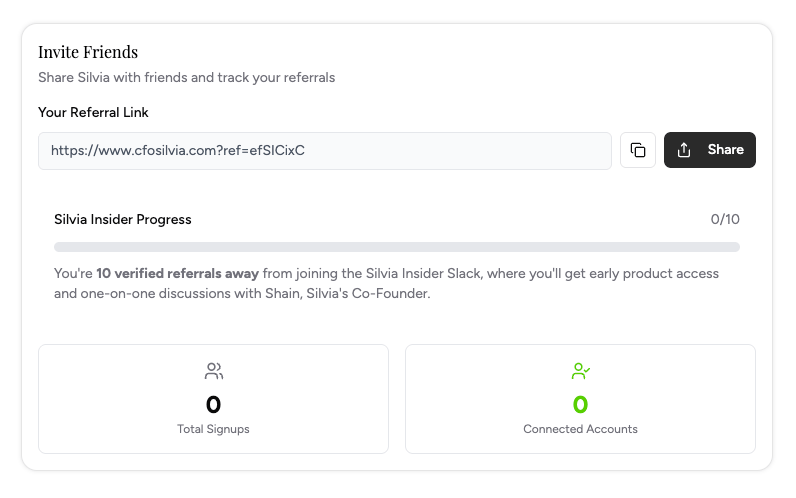
The Profile page also shows your referral link. Invite friends and both of you get a Silvia Pro credit.
## Sections
### Connected accounts
See every connection (Plaid, Coinbase, SnapTrade, Gmail) with sync status. Reconnect or disconnect from here.
### Notifications
Control email and SMS alerts for Radar events, weekly summaries, and billing.
### Categories
Create, rename, and reorder transaction categories. Merge duplicates.
### Data and privacy
* Export your data (CSV)
* Delete your account
* Review data warnings (missing or conflicting data from providers)
### Appearance
Light, dark, or system theme.
## Referrals
The Profile page also shows your referral link. Invite friends and both of you get a Silvia Pro credit.
 This documentation is built and hosted on [Mintlify](https://mintlify.com), a developer documentation platform.