> ## Documentation Index
> Fetch the complete documentation index at: https://docs.cfosilvia.com/llms.txt
> Use this file to discover all available pages before exploring further.
# Profile
> Manage your personal information and preferences.
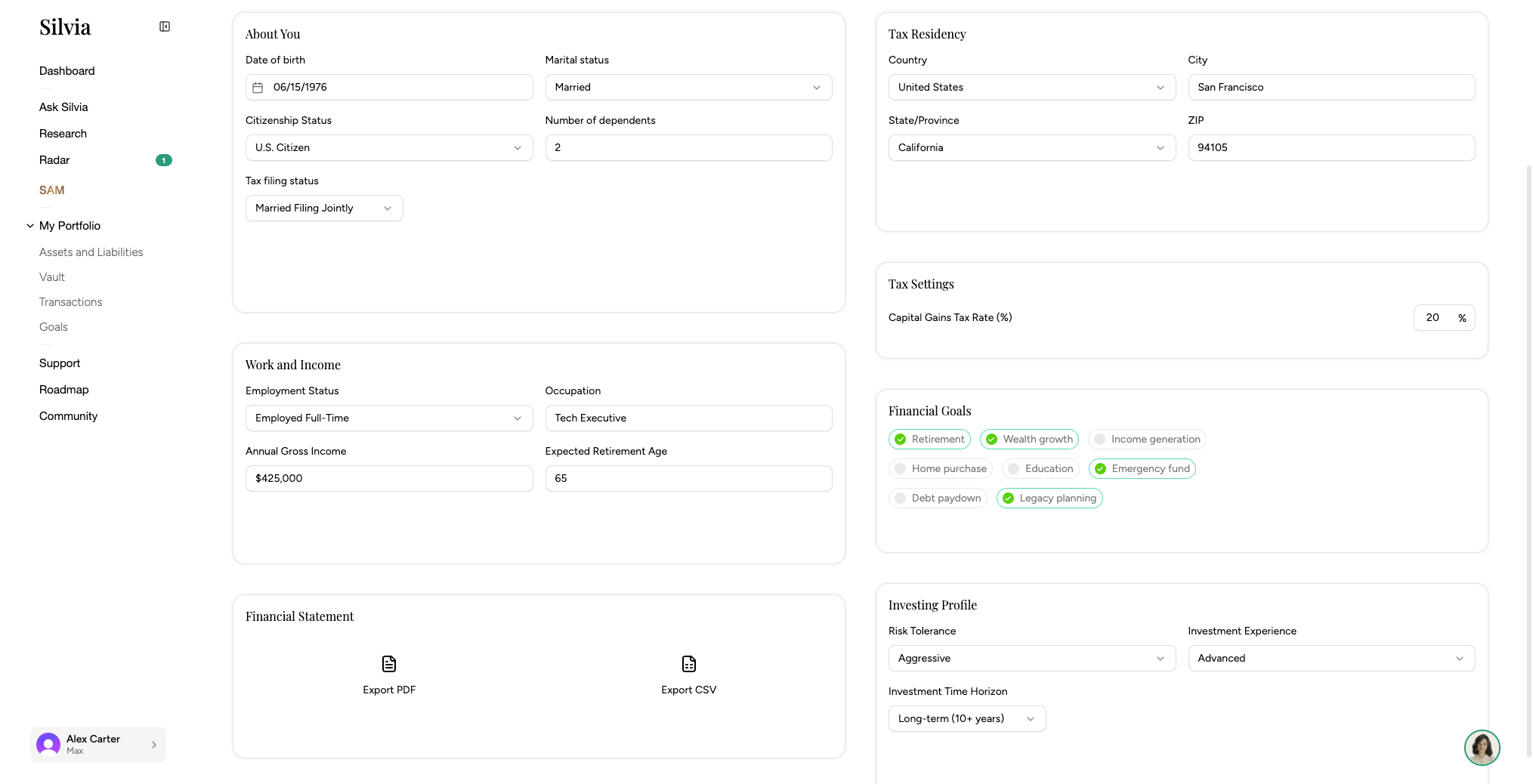
The **Profile** page holds your personal information and how Silvia personalizes your experience.
 ## What you can edit
* Work and Income
* Tax Address and location
* Marital status, dependents, and other household info
* High-level financial context Silvia uses to tailor advice
* Email and SMS notification preferences
* Financial goals
## Updating
Click your avatar in the sidebar and choose **Profile**.
Changes save automatically.
This documentation is built and hosted on [Mintlify](https://mintlify.com), a developer documentation platform.
## What you can edit
* Work and Income
* Tax Address and location
* Marital status, dependents, and other household info
* High-level financial context Silvia uses to tailor advice
* Email and SMS notification preferences
* Financial goals
## Updating
Click your avatar in the sidebar and choose **Profile**.
Changes save automatically.
This documentation is built and hosted on [Mintlify](https://mintlify.com), a developer documentation platform.